Free
€0
Works without signing up; saved permanently with an account.
Editor with all content All 62 templates, colours and fonts Full preview, import and check One CV in your account Save up to 20 jobs, also with the Companion
With the free browser extension you take interesting job ads straight into ModernVitae and turn them into your application. You design the CV for it for free, without signing up.
For Chrome and Edge on a computer. Pre-release version to download; not yet in the Chrome Web Store or on Microsoft Edge Add-ons.
The parts work together: the CV you design, the jobs you find along the way, and the applications they turn into.
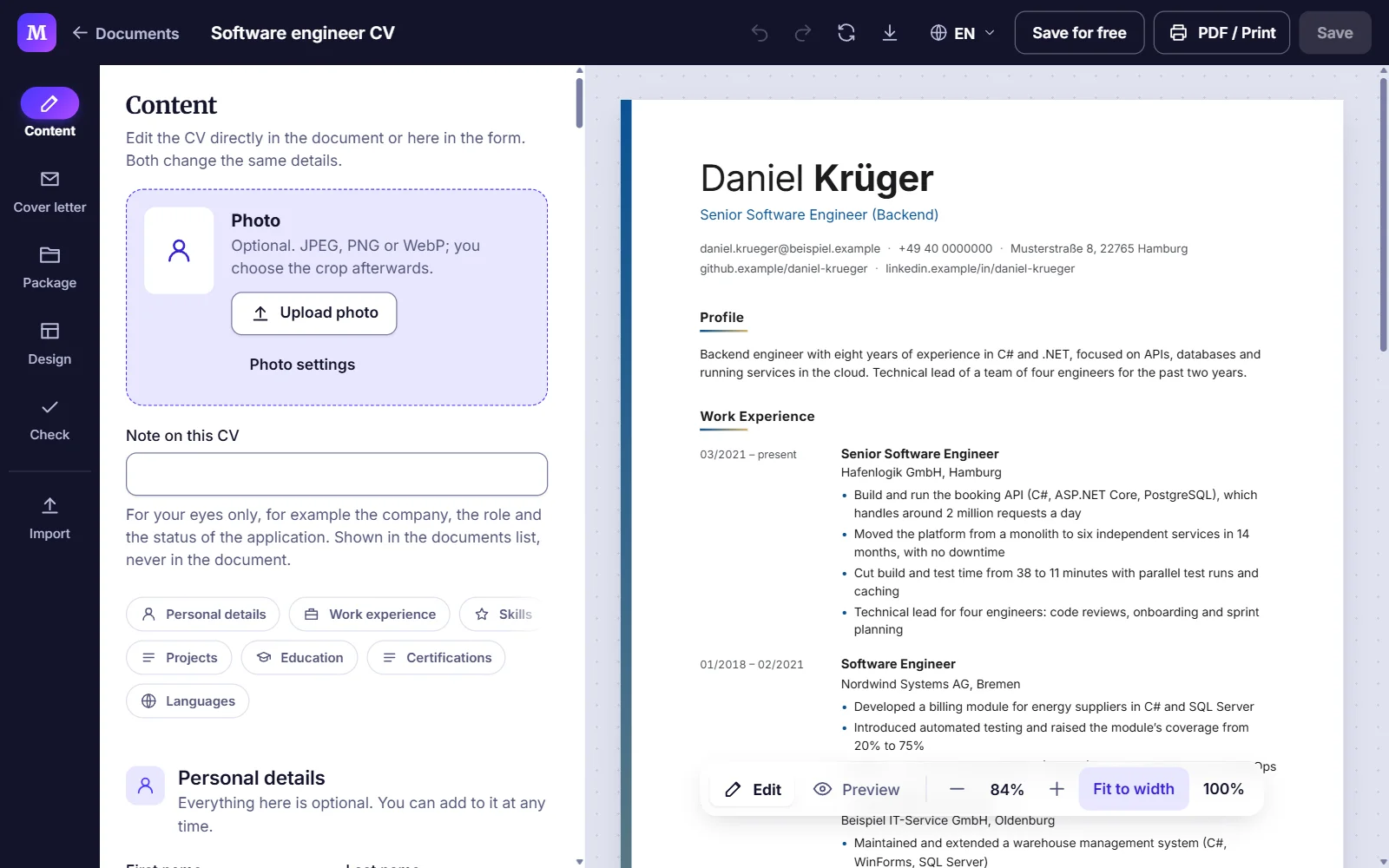
Enter your details, choose a template, adjust colour and font. The page beside the form shows every change immediately.
Free, no sign-up
Build your CVFound a job ad? The Companion takes it from your browser. Without the extension, you paste the address or text of the ad.
Free account, up to 20 jobs
See the browser extensionA saved job becomes an application, with your CV, cover letter and application package in one place.
Premium
Cover letter and packageStatus, dates and tasks for every application, as a list or a board. The overview tells you what comes next.
Premium
See the application trackerModernVitae Companion for Chrome and Edge
The Companion reads the job ad you have just opened, on a job board or a company website. It takes the title, company, location and the text of the ad into your account once you have checked the details. No retyping, no copying.
As you always do, on a job board or a company’s careers page.
One click on its icon in the browser toolbar. Only then does it read the page.
Title, company and location are filled in. You add whatever the page does not state clearly.
Under Applications, in Jobs, on every device. Later it becomes an application.
With the ModernVitae Companion in Chrome or Edge: open the job ad, click the icon, check, save.
For Chrome and Edge on Windows, macOS and Linux.
Download the browser extensionPhones have no browser extensions. For Android we are preparing a way to send jobs to the installed ModernVitae web app through the “Share” menu.
In preparation. This does not work on the iPhone: Safari does not add web apps to the “Share” menu.
Saved jobs are kept in your account: up to 20 for free, without limit with Premium.
Free, no sign-up
Pick a template and a colour and start with them right away in the editor. Your details stay when you switch the template later.
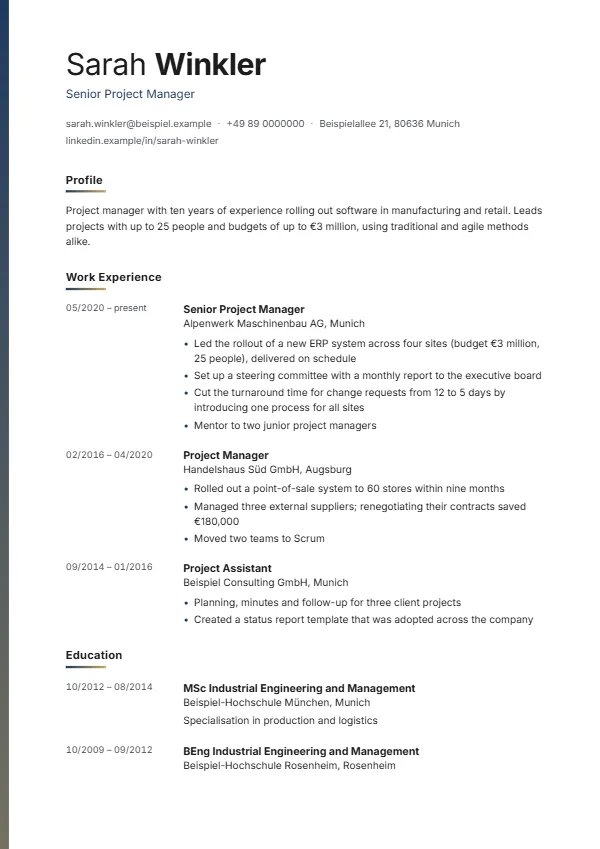
A fictional example. You choose from all 62 templates in the editor.
You edit your CV directly on the page or in the form beside it, and always see the document in A4 format, just as it will be printed. Template, colour and font change with one click, with nothing to retype.
Five styles, with or without a photo, in one or two columns. Every template is a page of real text; a template changes only the look, never your content.
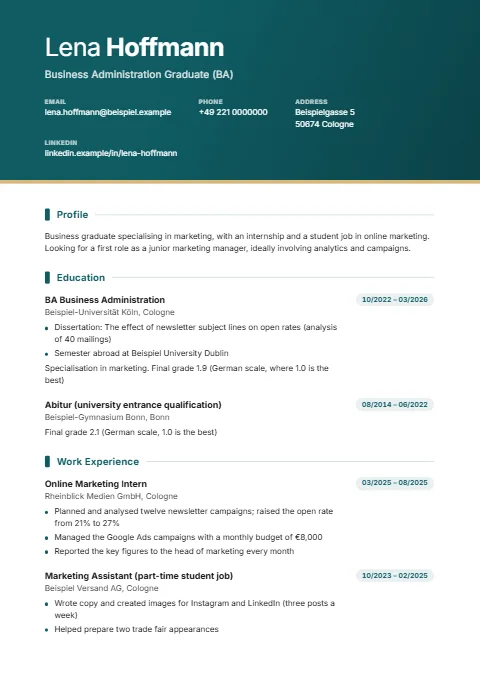
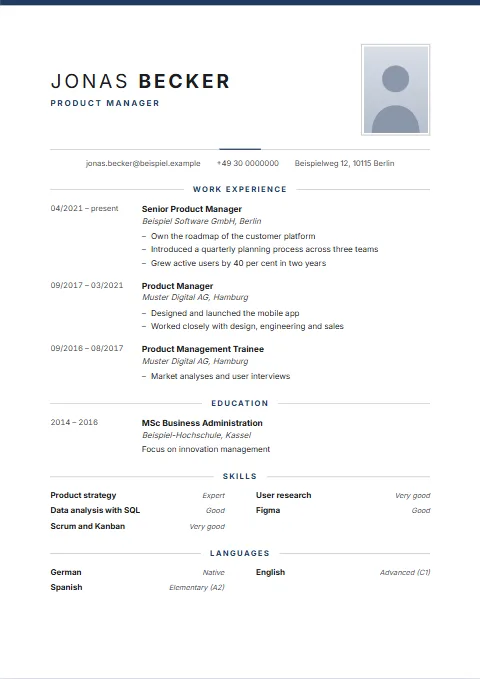 ClassicOne column · Photo optional · balancedFormal and symmetrical, with a centred header and fine rules.Start with Classic
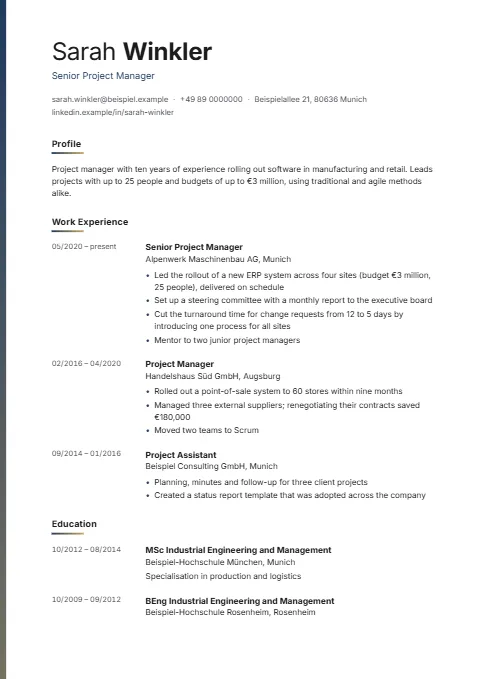
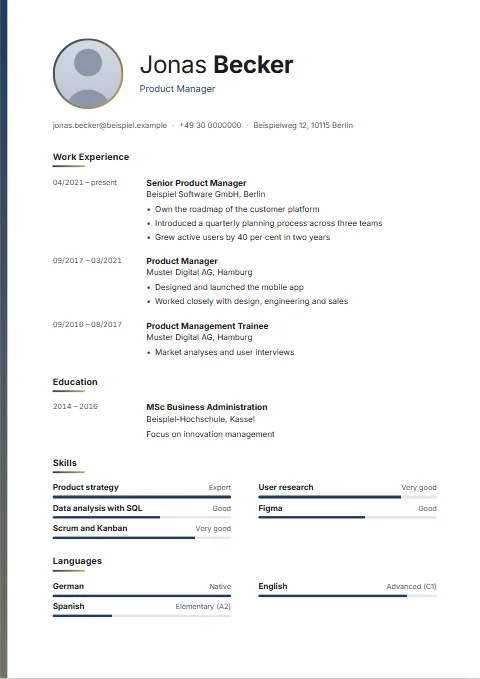 DawnOne column · Photo optional · spaciousA narrow colour gradient down the full height of the left edge; the photo in a ring of the same gradient.Start with Dawn
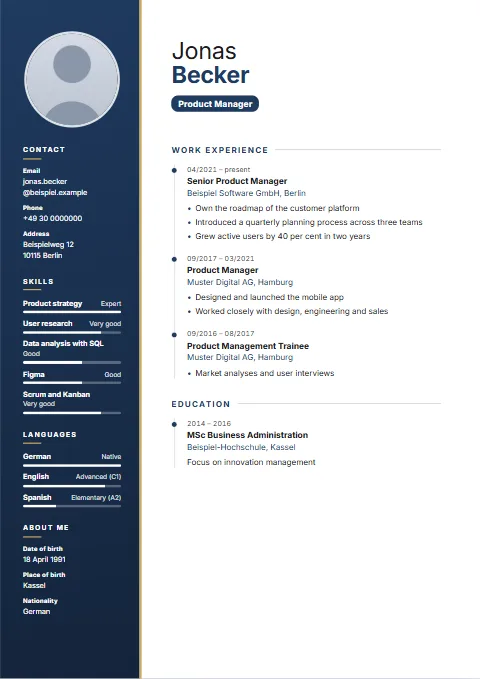 SidebarTwo columns · Photo featured · compactA coloured sidebar for the person, with the career along a timeline.Start with Sidebar
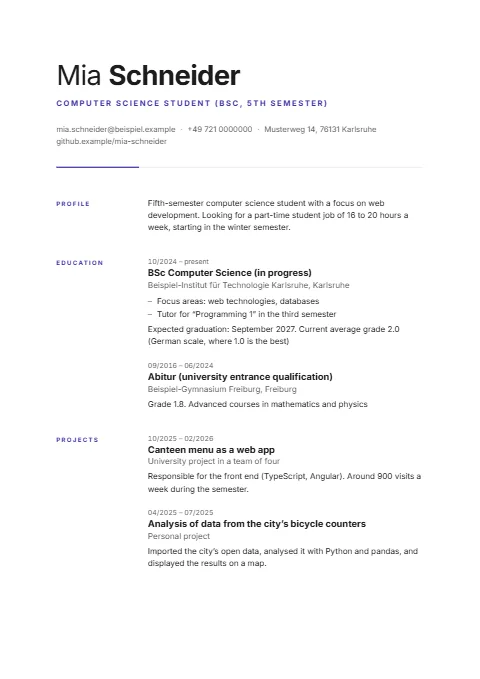
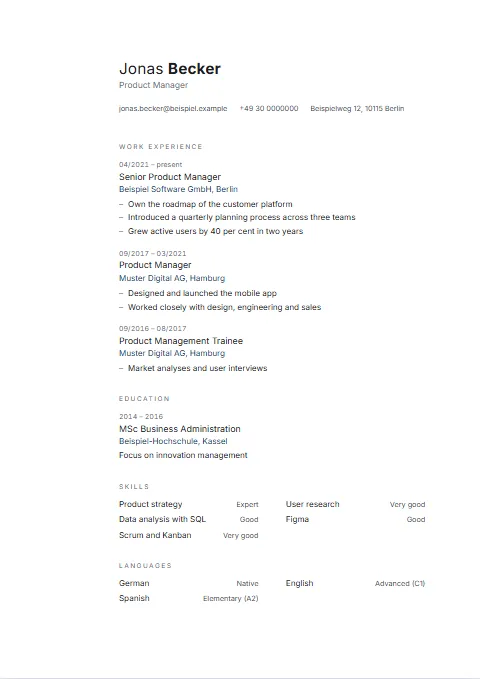 QuietOne column · No photo · spaciousQuiet and asymmetrical: a wide empty margin on the left, a small name, grey headings and not a single rule.Start with Quiet
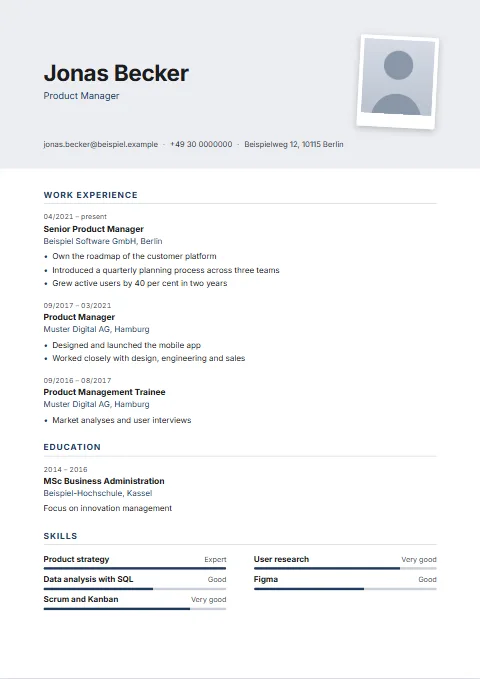 SnapshotOne column · Photo featured · balancedThe photo like an instant print: white border, slightly rotated, on a tinted header.Start with Snapshot
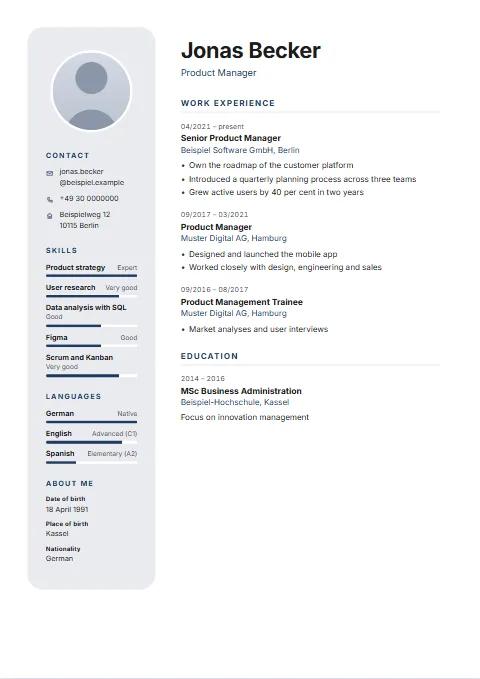 CapsuleTwo columns · Photo featured · balancedThe sidebar as a rounded, tinted panel that does not touch the edge of the page, with a round photo inside.Start with Capsule
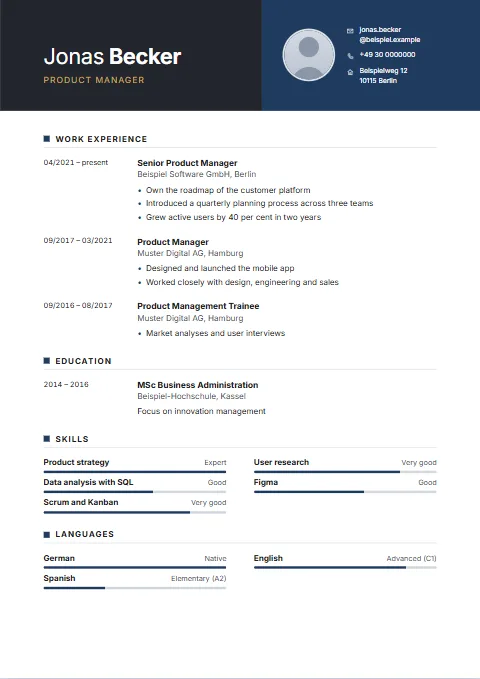 DuotoneOne column · Photo optional · balancedA header made of two blocks side by side: charcoal for the name, the accent colour for contact details and photo.Start with Duotone
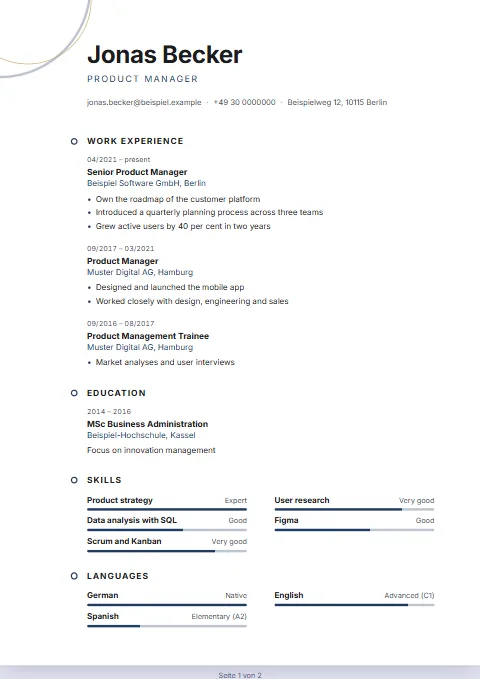 OrbitOne column · No photo · spaciousTwo fine rings extend beyond the top left edge; no photo, and a small ring before each heading.Start with Orbit
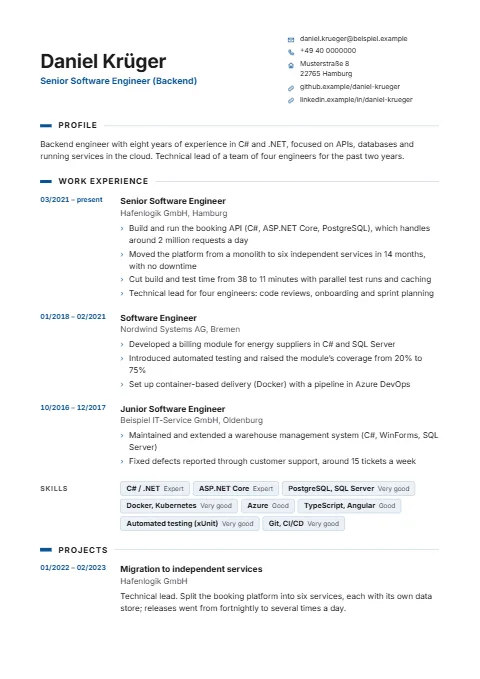
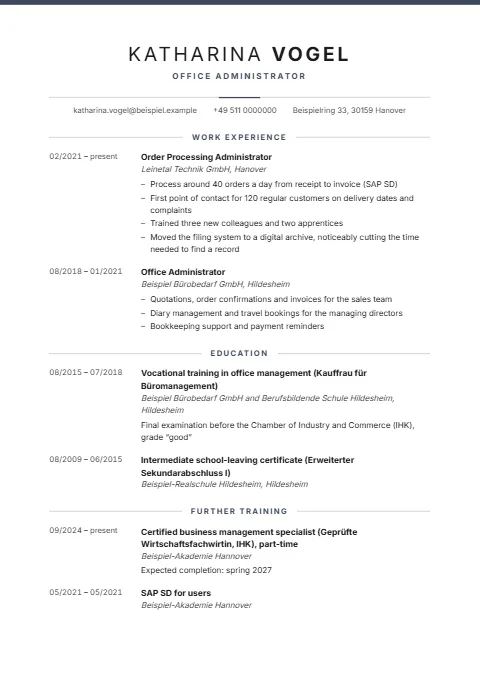
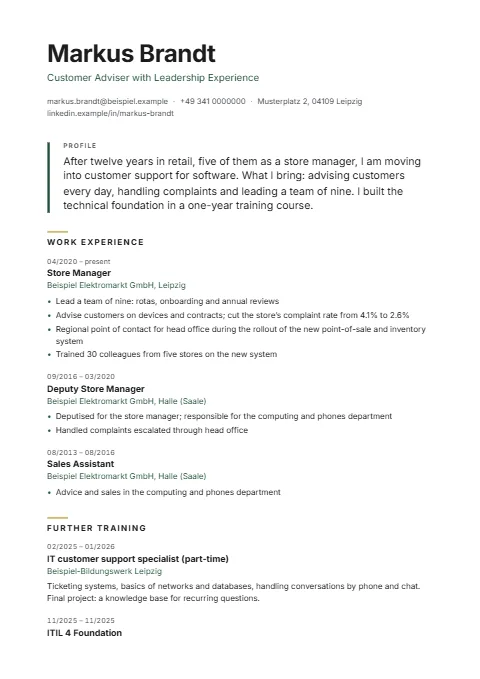
Six complete, fictional CVs. Each example opens in the editor as your own draft: you replace the details with yours.
See all CV examplesYour documents belong together, and they look it.
The letter to go with your CV, laid out as a business letter and in the same colour and font. You write on the page.
Write a cover letter onlineCover page, cover letter, CV and your references in one order, with a table of contents, as one document.
Create an application package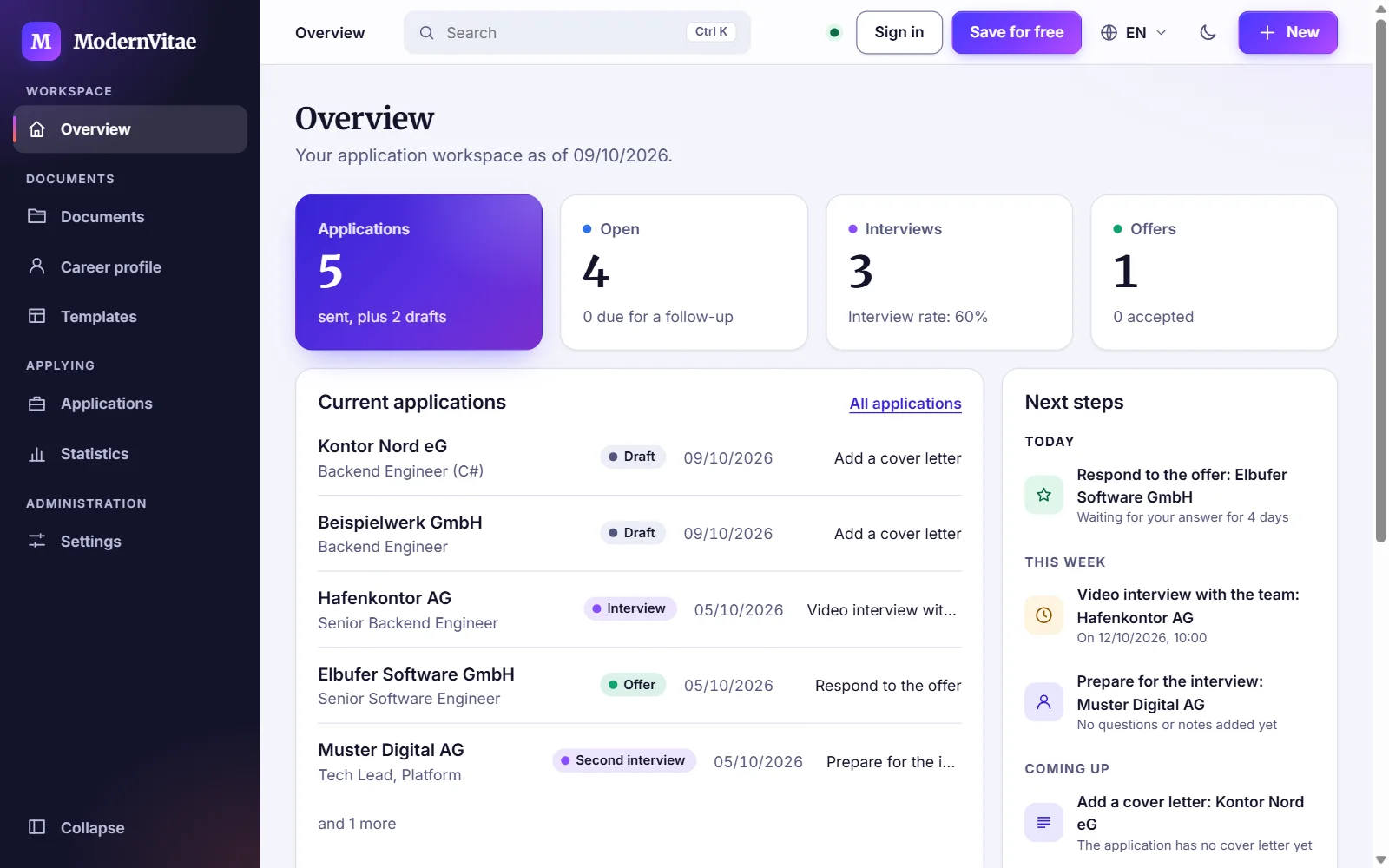
The application tracker keeps every application with its status and history, as a list or as a board. Tasks and appointments sit with the application they belong to, and the overview tells you what comes next.
The application tracker is part of Premium.
Track your applicationsYou see the finished document before you pay anything. There is no subscription.
€0
Works without signing up; saved permanently with an account.
€2.99
€2.99 for 30 days. One-off payment, no automatic renewal.
Without an account, your CV stays in your browser. With an account, you can download everything as an archive and delete the account along with its data.
ModernVitae includes no advertising and no usage analytics services.
The check works to fixed rules and gives no score. ModernVitae does not write text for you.
Building is free: the editor with all content, all 62 templates, the full preview and the import. With a free account, one CV stays saved permanently. Downloading as a PDF, further CVs and the application tracker are part of Premium.
No. You can start straight away; the draft is then kept in your browser on your device. You only need a free account once the CV should be saved permanently and on several devices.
Yes, with ModernVitae Premium: €2.99 for 30 days, one-off payment, no automatic renewal. Before that, the preview shows you exactly the document you will get.
Yes, from a PDF, from pasted text or from a file. Automatic extraction from a PDF can contain errors; you check and correct the result before a CV is created.
A browser extension for Chrome and Edge. On the page of a job ad, after a click on its icon, it reads the job title, company, location and the text of the ad; once you have checked the details, it saves the job to your account. It does not fill in forms and does not send applications.
Not yet: it is prepared for the Chrome Web Store and Microsoft Edge Add-ons but not yet published there. You can already save jobs in ModernVitae under Applications by pasting the address or text of an ad. You need a free account for that.
Without an account, only in your browser. With an account, your CVs, applications and photo are kept on the server so that they are there on every device; the attachments of your application package stay in your browser even then. You can download and delete everything.
Free, with no sign-up, and with the finished document in front of you.